


Flipped families

Several Revit applications are running. Choose one:
Icon


Related news and articles
Using
When the plugin is launched, a window appears.
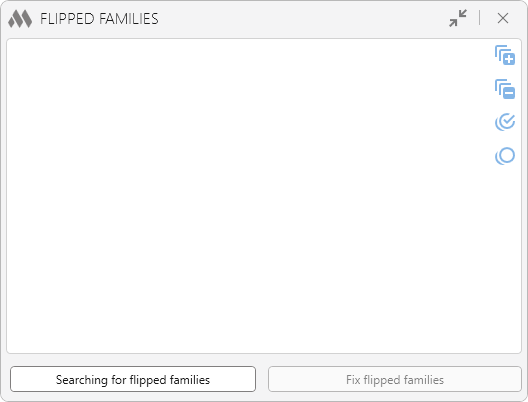
Then, using the Searching for flipped families button, you need to start the search On the active view or In model.Once the search is complete, the plugin window is populated with a tree view list of flipped family instances:
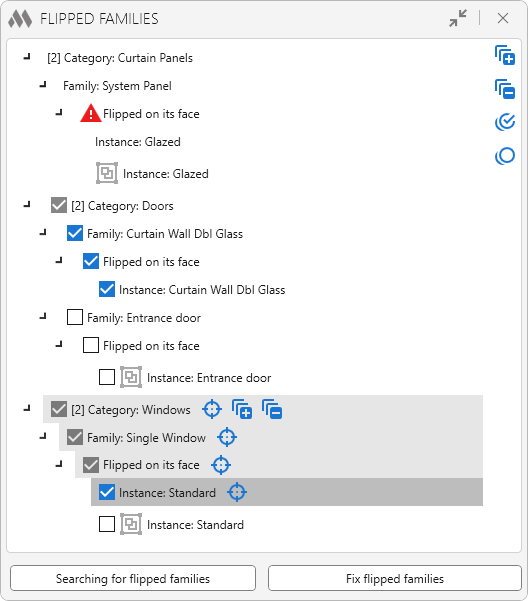
The family instances in the list are grouped by category, family, and type of flipping. To the right of the list, there are buttons that allow you to expand  and collapse
 all items in the list, as well as check
 and uncheck
 all items.
When you hover the mouse over each group in the list or instance, a button  appears that highlights and shows the elements in the model.
Instances that belong to a group are marked with a corresponding icon  , which displays the group name when hovered over.
If a family does not contain Flip Controls and the family instances cannot flipped on their sides, a warning icon  will be displayed next to such families. These flipped families cannot be fixed using the plugin.
The Fix flipped families button performs a reverse flipping of the checked family instances while preserving their current position.

 YouTube