
Cropping view

Cropping view
Show in Revit

Several Revit applications are running. Choose one:

This is a free plugin!
Quickly create a crop view by specifying a rectangular crop area

Related news and articles


Using

Cropping view

mprFastViewCut_32x32 mprFastViewCut_16x16 mprFastViewCut_32x32_dark mprFastViewCut_16x16_dark

When the command starts, a request will be made to indicate a rectangular area by two points.

After specifying the area, the current view will be cropped for this area.
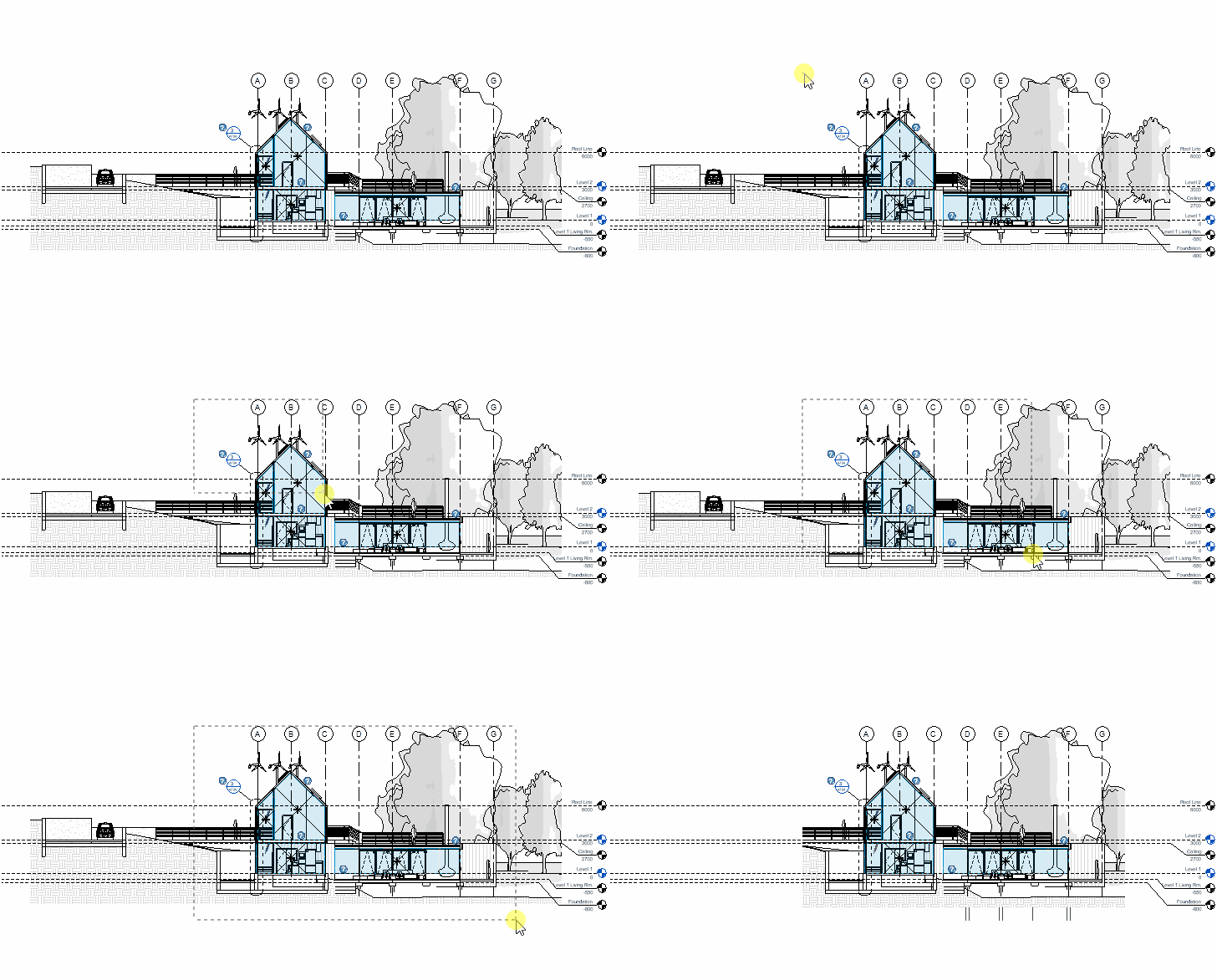
2

Cannot use command in view templates, legends, schedules, and drafting views

Cut plan to 3D

mprCutPlanTo3D_32x32 mprCutPlanTo3D_16x16 mprCutPlanTo3D_32x32_dark mprCutPlanTo3D_16x16_dark

When the command starts on the plan, a request will be made to indicate a rectangular area by two points.

After specifying an area, a new 3D view will be created, with the section box by the specified area. The height of the section box is set by the height of the level.

ModPlus YouTube
ModPlus YouTube
Fix
Fixed an error that occurred if the view's "Scope Box" parameter is not available for editing
Improved
Added resetting of the "Scope Box" parameter value for non-3D views
Fix
Added additional region check before cropping the view
Improved
Changed icons
Improved
Added command access settings on the ribbon
Fix
Fixed "Cropping view" command startup error
Improved
Cut plan to 3D: using the name of the view "3D - user_name"
New
Added "Cut plan to 3D" command
Improved
Added prohibition of plugin work on sheets
FIX
Fixed "Curve length is too small for Revit's tolerance"
FIX
Added check that pointed out the second point of the rectangle