


Meshes

This is a free plugin!
Selection and calculation of the mass of reinforcing meshes according to normative documents
Call options
- ModPlus floating menu or palette
- AutoCAD ribbon
- Command line: _mpMeshes
Icon


Using
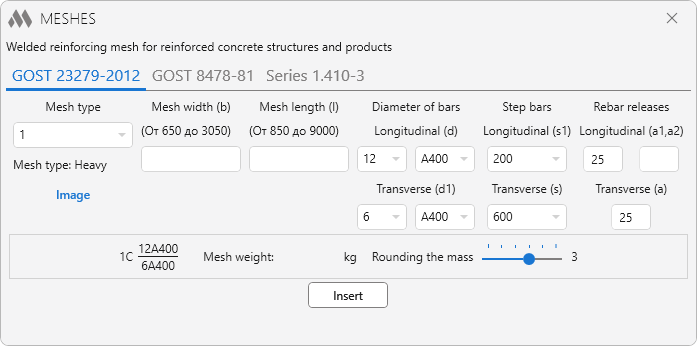
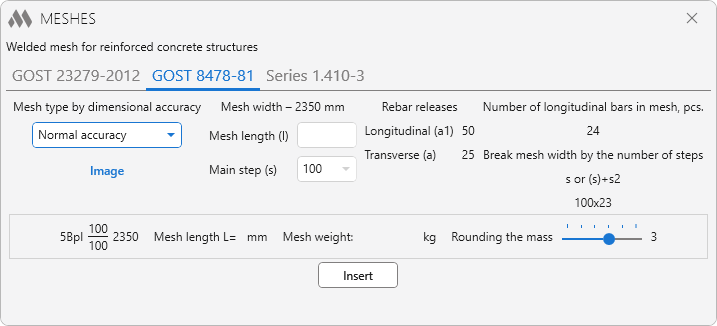
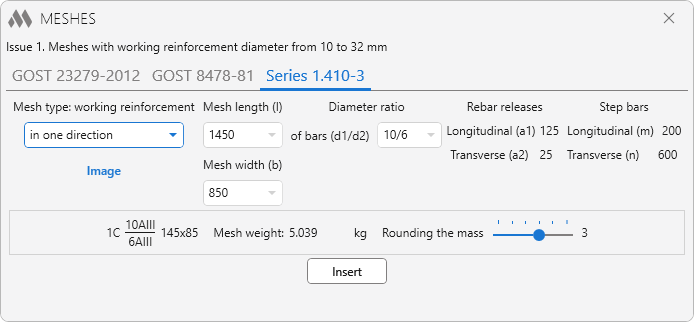
The main plugin window is divided into several main parts:
The top part displays the name of the selected regulatory document.
Next comes a control containing tabs that comply with the regulatory document.
For each tab (each regulatory document) its own set of window elements.
Below is the field in which the grid symbol is displayed (as well as in the "Designation" cell of the "Specification" table), the calculated mass of the grid, the slider for rounding the mass of the grid (the number of decimal places from 0 to 5).
Insert – go to AutoCAD to select the specification table and fill it.
Select table: – AutoCAD table selection. The table must contain at least 4 columns.
Select row: – select row in selected table.